

30 Oct, 2026
Mobile App Development Agency: How to Choose the Right Partner
#EmployeeSelfService
#ESSPortal
#HRMSSoftware
#DigitalHR
Post By : Ocean Infotech
Published : 30-10-2026
What Is Employee Self Service Portal Software?
“Can you send me my payslip again?” “How many leaves do I have left?” “Please update my bank details.” If your HR team hears these questions every day, a large part of their time is going to repetitive requests instead of meaningful work. Employee self service portal software solves this by letting employees handle routine tasks themselves, any time and from any device. This guide explains what the portal does, which features matter and how it improves HR efficiency and employee satisfaction. To see a platform that includes a ready employee portal, visit our HRMS with employee self-service.
Why Traditional HR Support Slows Teams Down
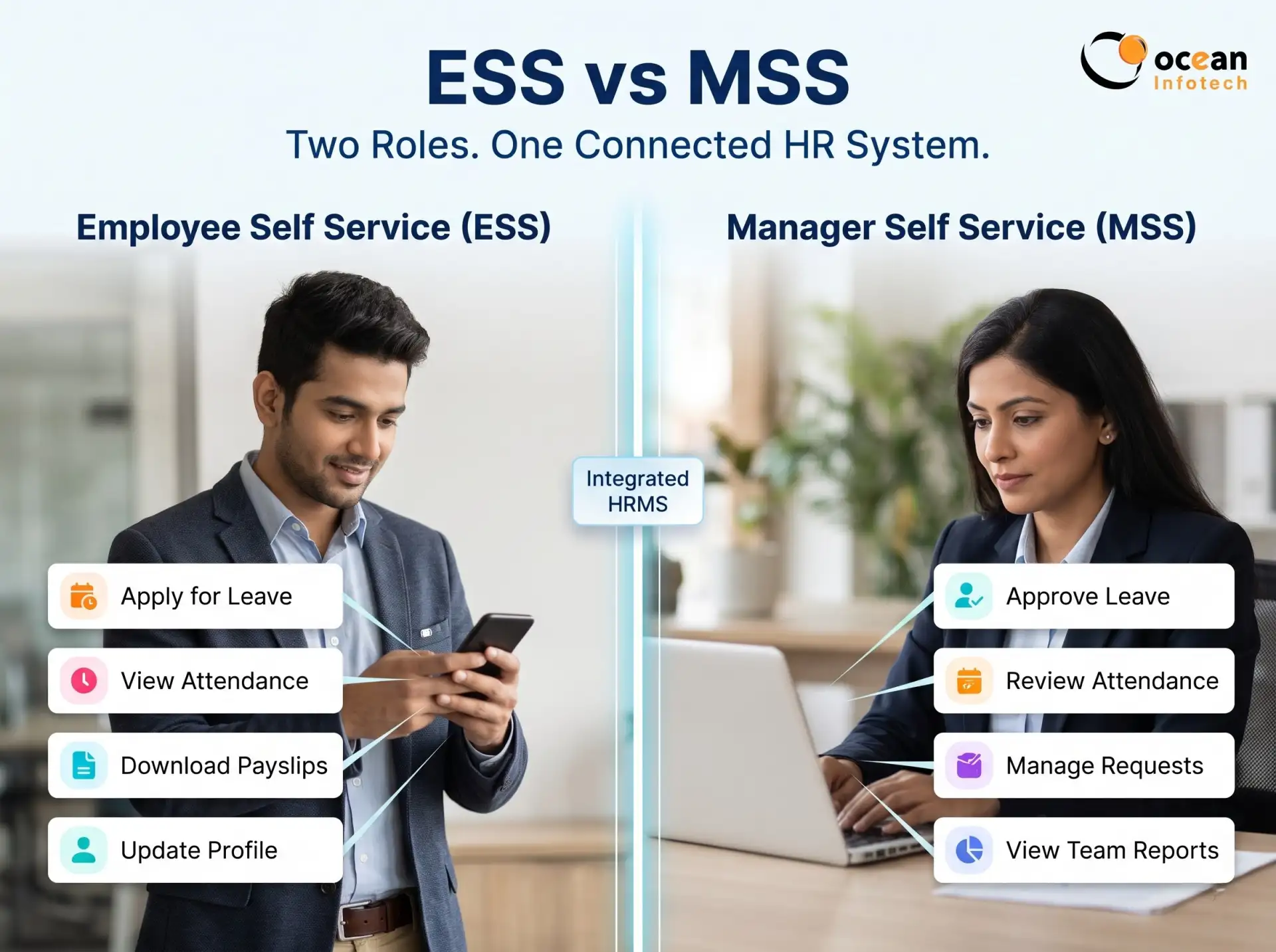
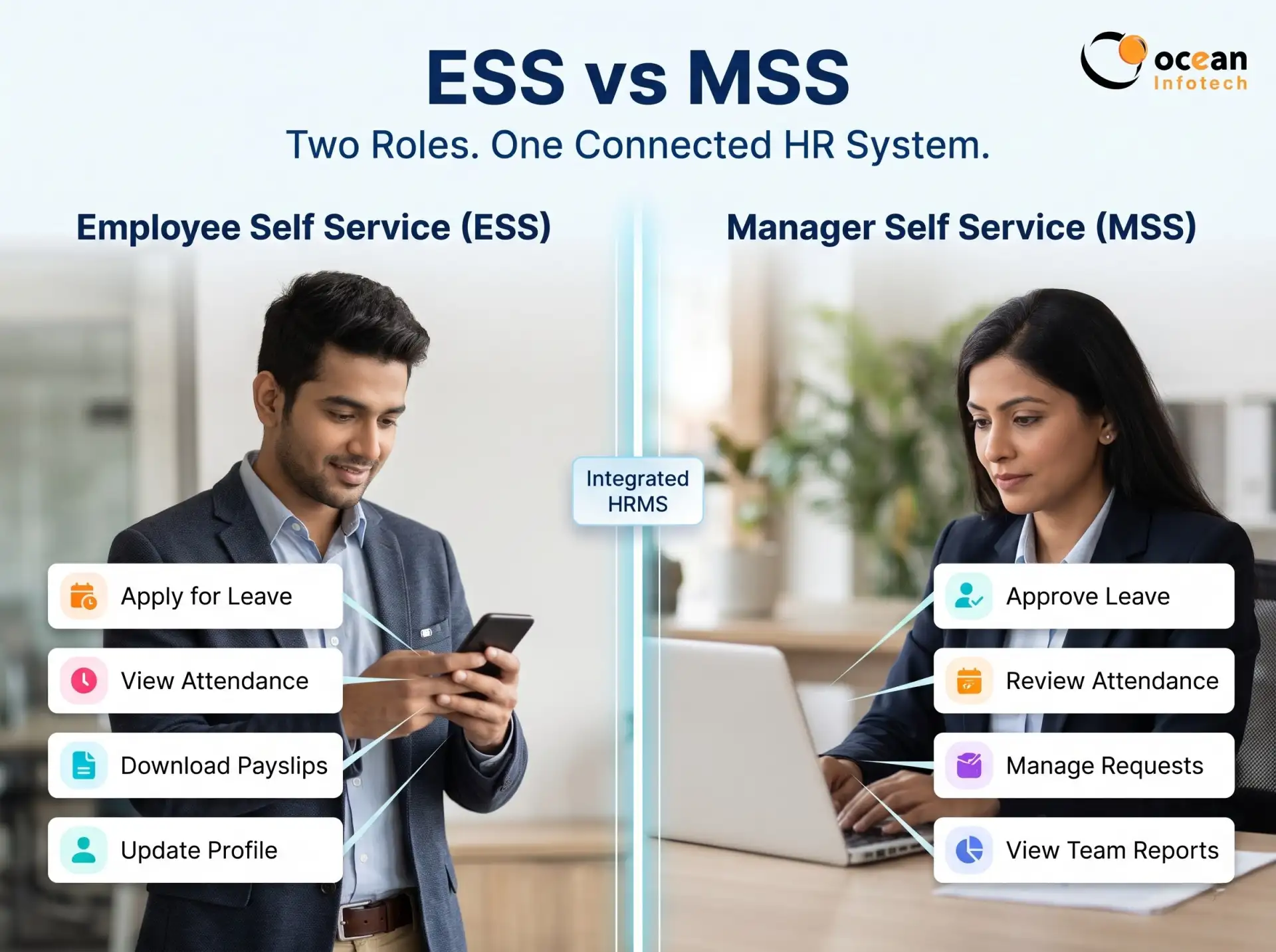
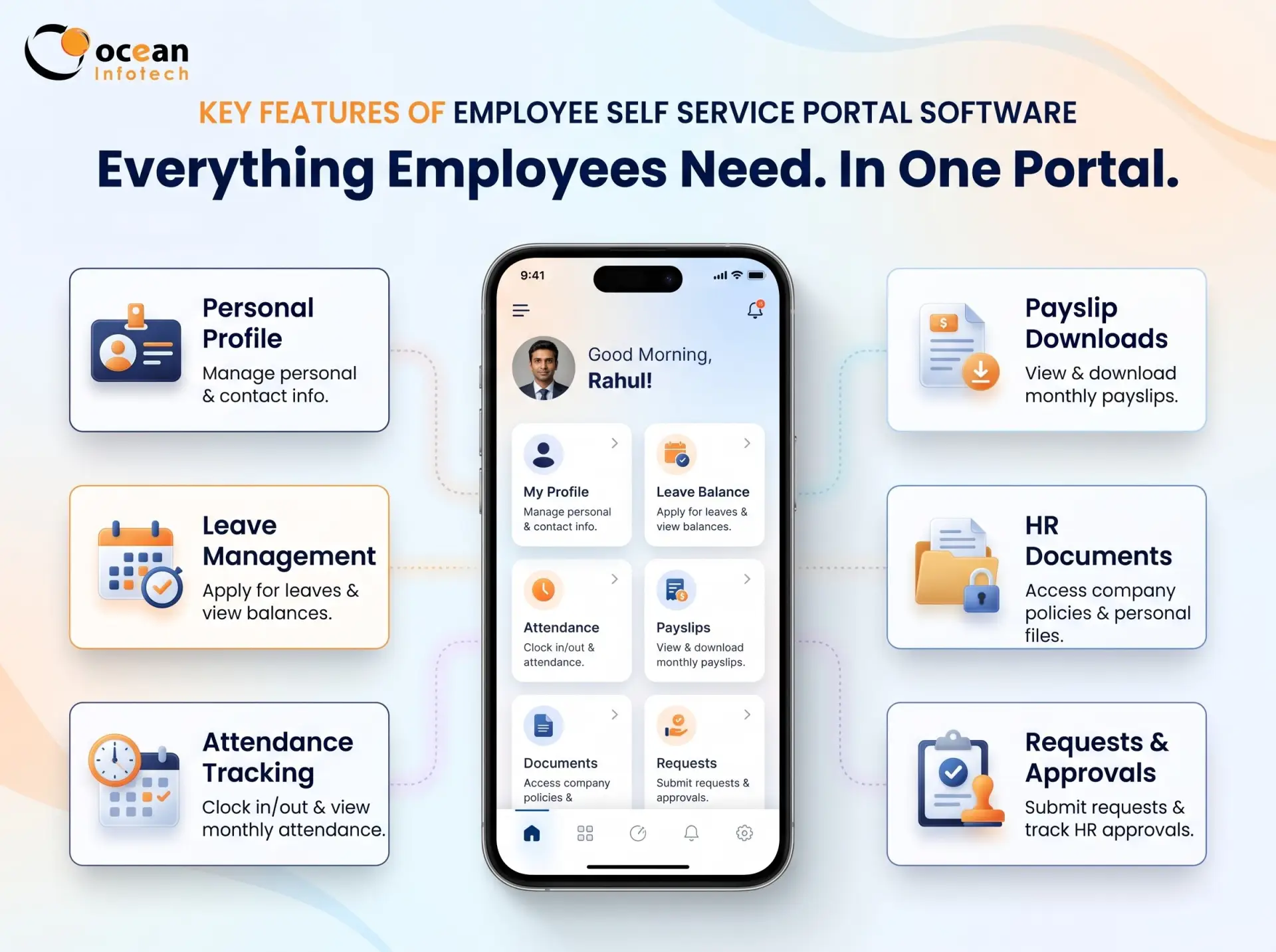
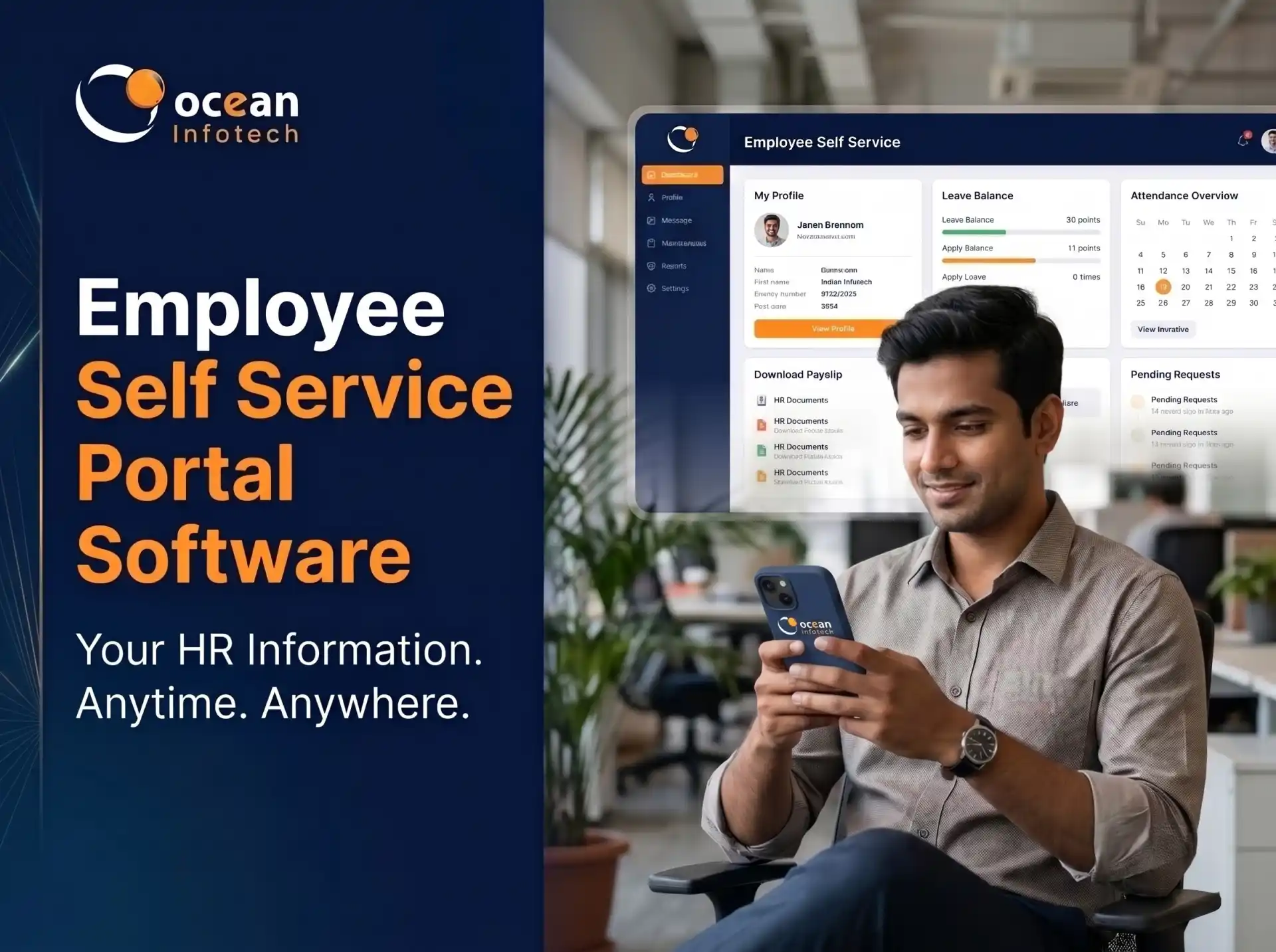
An employee self service (ESS) portal is a secure web or mobile interface where employees can view and manage their own HR information. Instead of sending emails or visiting the HR desk, they log in to check attendance, apply for leave, download payslips, update personal details and access company policies. Managers use a similar interface to approve requests and review team data.
ESS versus MSS
Employee self service focuses on the individual, while Manager Self Service (MSS) gives team leaders tools to approve leave, review attendance corrections, evaluate performance and view team reports. A good system provides both, so approvals never get stuck in email threads.
Key Features of Employee Self Service Portal Software
✔ Employees wait for HR to reply to simple queries
✔ HR spends hours sharing payslips, letters and balances
✔ Requests get lost in email and chat apps
✔ Approvals depend on who is available that day
✔ Data updates are entered twice, increasing mistakes
✔ No clear history of what was requested and approved
These small delays add up. In a company of 100 employees, even five minutes per query across several daily requests becomes a heavy workload.
Benefits of Employee Self Service Portal Software
Personal profile management
Employees can view and update contact details, emergency contacts, addresses and bank information. Sensitive changes can require HR approval to protect accuracy.
Leave application and balance tracking
Staff check available balances, apply for leave and see approval status in real time. Managers approve from their phone, and the balance updates instantly.
Attendance view and correction requests
Employees view their daily punches, late marks and overtime, and request corrections with a reason when needed. This reduces payroll disputes.
Payslips, Form 16 and tax declarations
Salary slips and tax documents are available for download at any time. Investment declarations can be submitted online, which helps accurate TDS calculation.
Document access and e-letters
Offer letters, experience letters, policies and handbooks are stored centrally. Employees can request letters and download approved copies.
Reimbursement and expense claims
Claims for travel, mobile or other expenses are submitted with attachments and tracked until payment. Businesses that also want expense tracking inside customer workflows can look at the expense management features of Ocean CRM.
Announcements and helpdesk
HR can publish notices, birthdays and holiday lists, while employees raise tickets for HR or IT issues and track resolution.
Mobile access
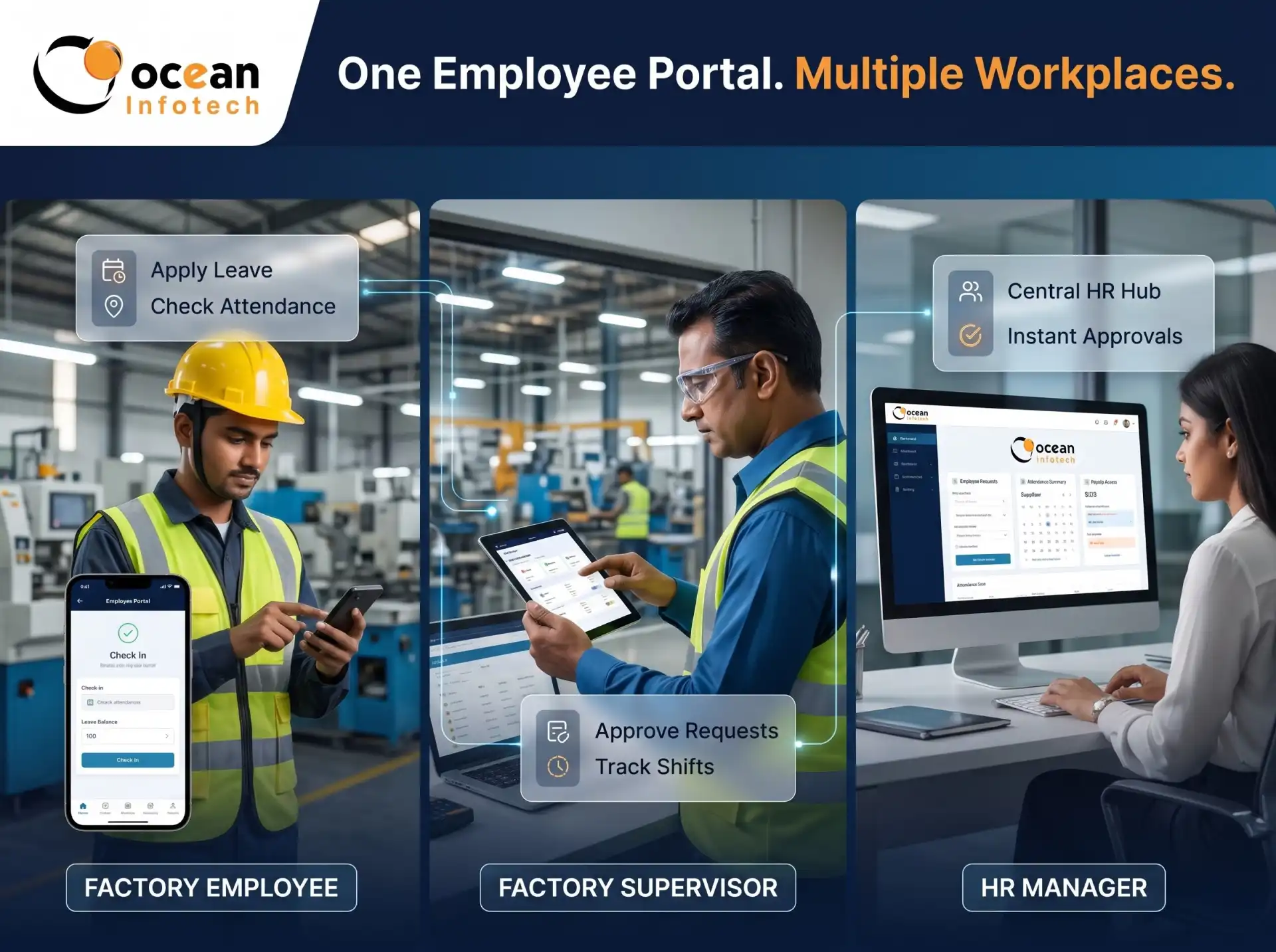
A mobile-friendly portal is essential for field staff, factory supervisors and remote teams. If you want a custom branded employee app, our mobile app development team can build one around your workflows.
Real-Life Example: A 120-Employee Company
1. Major time savings for HR. Routine tasks like issuing payslips or confirming leave balances are no longer manual, so HR can focus on hiring, engagement and policy.
2. Faster approvals. Digital workflows send requests to the right manager instantly, with reminders for pending items.
3. Fewer errors. Employees enter their own data, and automated rules reduce manual re-entry.
4. Higher employee satisfaction. People appreciate quick access to their information without waiting for a reply.
5. Transparency and trust. When attendance, leave and salary details are visible, misunderstandings reduce.
6. Better compliance and documentation. Every request, approval and change is logged with a timestamp.
7. Lower operating cost. Less paperwork, printing and back-and-forth communication.
Without and with an ESS portal
| Task | Without ESS portal | With employee self service portal software |
|---|---|---|
| Payslip request | Email to HR, wait for reply | Download instantly |
| Leave balance check | Ask HR or manager | View in real time |
| Leave approval | Email or verbal | One-tap digital approval |
| Update address or bank | Paper form or email | Online request with approval |
| Tax declaration | Collected in Excel | Submitted online |
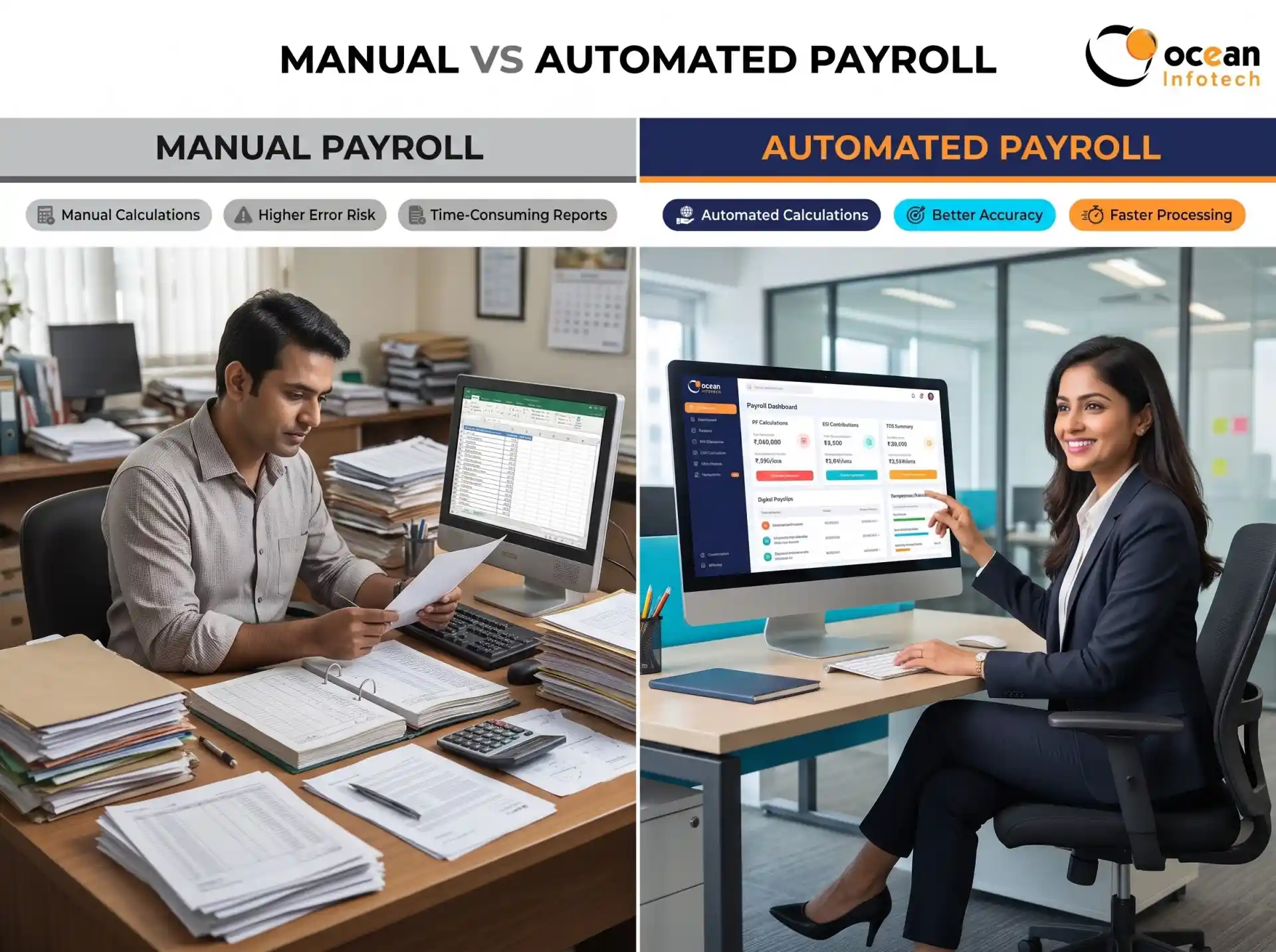
| HR workload | High, repetitive | Reduced and focused on strategy |
How to Choose the Right Employee Self Service Portal Software
A manufacturing company with two plants had two HR executives spending almost half their day answering questions about leave balances, attendance corrections and salary slips. After introducing an ESS portal, employees handled these tasks on their own, supervisors approved leave from mobile and HR received only exceptions. Within two months, query calls dropped sharply, and HR started working on training plans and policy updates. Explore similar delivered work in our HRMS project portfolio.
Frequently Asked Questions (FAQs)
1. Ease of use. If employees cannot use it without training, adoption will suffer.
2. Mobile responsiveness. Test on both Android and iPhone.
3. Role-based access. Employees, managers and HR should see only what they need.
4. Workflow flexibility. Approval chains should match your hierarchy.
5. Integration with payroll and attendance. The portal should be part of a connected HR system.
6. Security. Look for encryption, strong passwords, audit logs and permission control.
7. Support and training. The vendor should help with rollout and user onboarding.
Questions to ask during the demo
Can employees see only their own data? Can approvals be delegated during leave? Are notifications sent by email or mobile? Can we customise forms?
Remember the human side
The best portal is useless if employees do not know about it. Announce the launch, share short how-to guides and name a champion in each department.
Rollout Plan for Success
Start by cleaning employee data and defining workflows. Launch with a pilot group of one department, collect feedback and fix issues. Then roll out company-wide with short training sessions or video guides. Track adoption through login reports. If you need expert planning for rollout and integrations, our IT consultation experts can help structure the process.
Conclusion
1. Is an employee self service portal only for large companies?
No. Even small companies benefit because it reduces repeated HR requests and gives employees instant access to records.
2. Can employees change their salary or bank details directly?
Typically they can request changes, but sensitive fields should go through HR approval to prevent errors or misuse.
3. Is the portal accessible on mobile?
Most modern solutions are mobile-friendly or have apps. Confirm this during the demo.
4. How is employee data kept secure?
Through encrypted storage, role-based access, secure login and audit logs. Ask the vendor about their security practices.
5. Can managers approve leave on the go?
Yes. Mobile notifications and one-tap approvals help managers respond quickly.
6. What if employees are not tech-savvy?
Choose a simple interface, provide short training and keep HR support available during the first month.
7. Can the portal show payslips for previous months?
Yes. Most systems store historical payslips so employees can download them anytime.
8. Does it integrate with attendance and payroll?
A good system does. Integration ensures that attendance, leave and salary data stay consistent across modules.
Employee self service portal software gives employees control over routine HR tasks and frees your HR team for work that improves culture and performance. It also brings speed, transparency and better records to your organisation. Choose a simple, secure and mobile-friendly solution, and support it with proper rollout and communication. If you want to modernise your employee experience, contact Ocean Infotech for a personalised demo.
Fillter
Latest News




Comments