

30 Oct, 2026
Mobile App Development Agency: How to Choose the Right Partner
#IndianBusinesses
#BusinessEfficiency
#CustomSoftware
Post By : Ocean Infotech
Published : 30-10-2026
Why Payroll Compliance Is Challenging in India
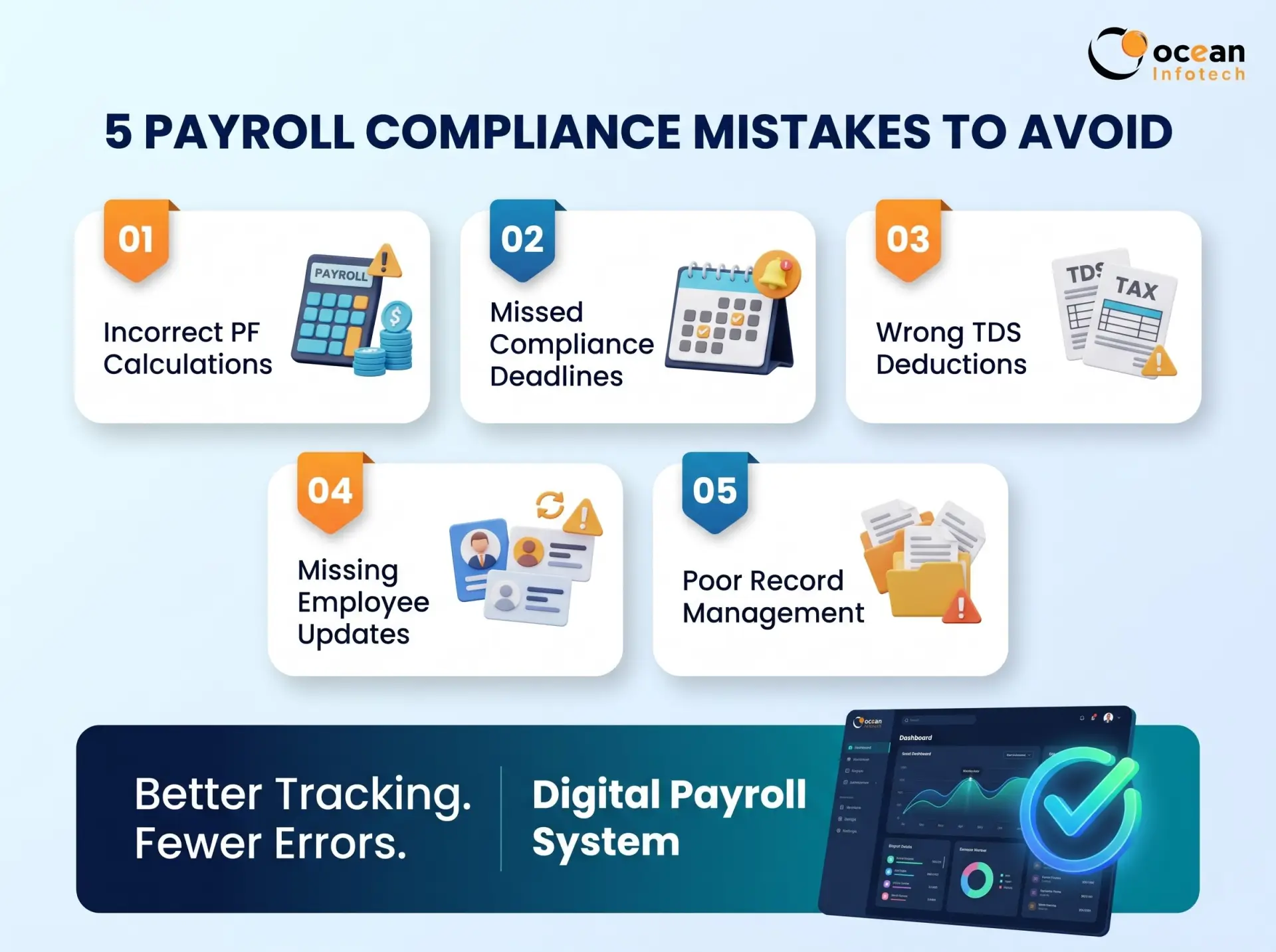
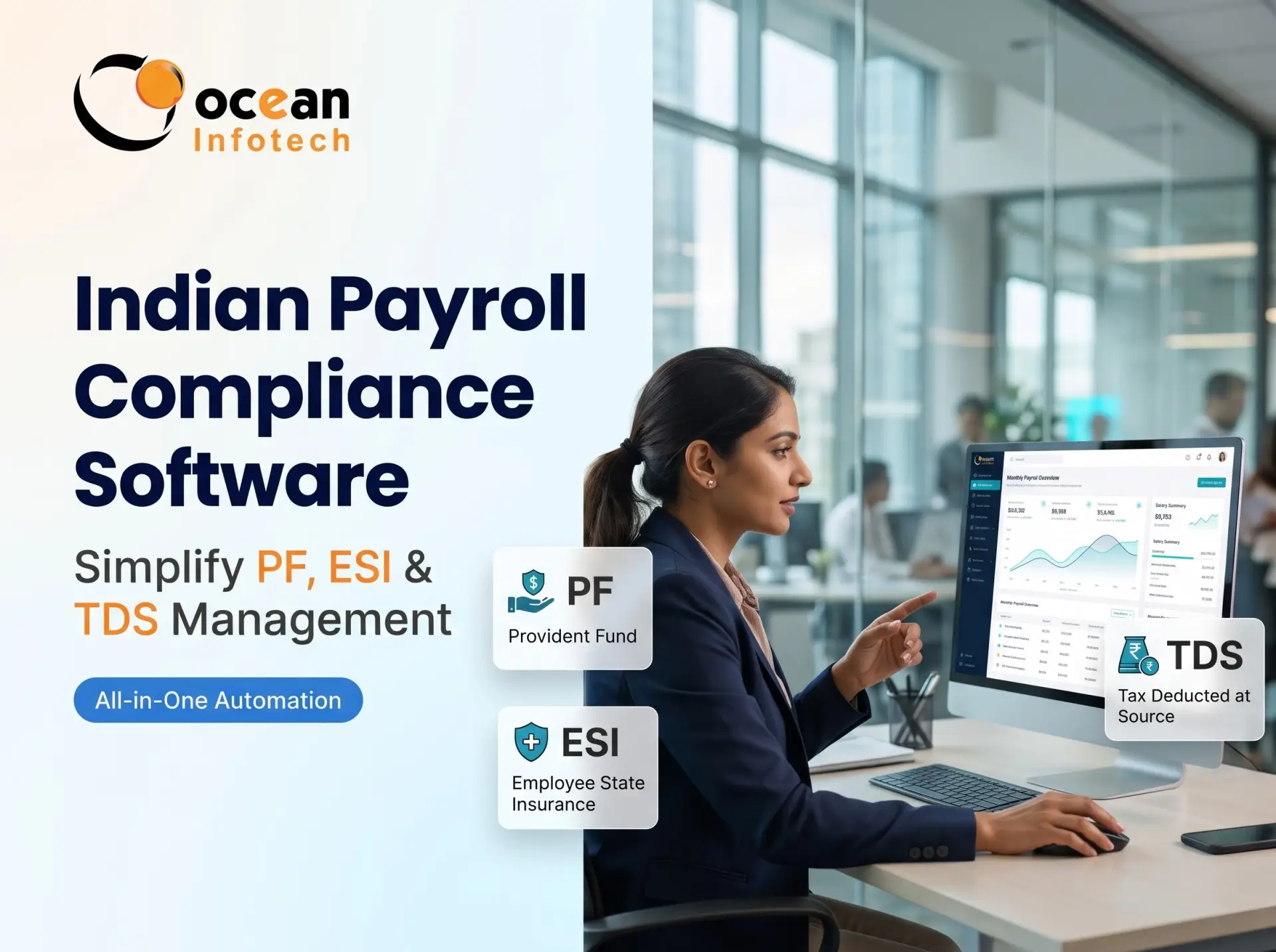
Running payroll in India is not just about paying salaries. Every month, employers must calculate and deposit Provident Fund (PF), Employee State Insurance (ESI), Professional Tax and TDS, then file returns before due dates. A small mistake can lead to penalties, interest and notices. This is why businesses are turning to Indian payroll compliance software to automate calculations, track deadlines and keep records audit-ready. To see how a connected payroll and HR platform handles this, explore our HRMS with payroll and statutory compliance.
Understanding the Key Components
India has multiple central and state-level labour and tax rules. A company with employees in different states may need to follow different Professional Tax slabs, Labour Welfare Fund contributions and holiday rules. Manual tracking becomes difficult, especially as headcount grows.
Typical compliance pain points
✔ Wrong PF or ESI calculation because wage components are misclassified
✔ Missed due dates for challans and returns
✔ Employee joining and exit updates not reflected on time
✔ Incorrect TDS deduction due to wrong tax regime or declarations
✔ Poor record keeping during inspections or audits
✔ Dependence on one person who “knows the formula”
Key Features to Look For
Provident Fund (PF)
PF is a retirement savings scheme where both employer and employee contribute a percentage of eligible wages. Employers must register employees, calculate contributions monthly, deposit them and file returns through the EPFO portal. Correct wage definition is critical, because mistakes affect both employee benefits and employer liability.
Employee State Insurance (ESI)
ESI offers medical and cash benefits to eligible employees below a prescribed wage limit. Contributions are shared by employer and employee, and employers must file periodic returns. Employee eligibility must be reviewed whenever salary changes.
TDS on salary
Employers must deduct income tax at source based on each employee’s estimated annual income, chosen tax regime, declared investments and other factors. They then deposit the tax, file quarterly TDS returns and issue Form 16 to employees.
Professional Tax and other levies
Professional Tax is imposed by certain states and has its own slabs and filing schedules. Labour Welfare Fund contributions also differ by state.
Summary table
| Compliance area | What employer must do | Common mistake |
|---|---|---|
| PF | Calculate, deposit and file returns monthly | Wrong wage base or delayed deposit |
| ESI | Deduct, deposit and file contribution returns | Missing eligibility changes |
| TDS | Deduct tax, deposit, file quarterly returns, issue Form 16 | Incorrect regime or investment data |
| Professional Tax | Deduct per state slab and deposit | Applying one state’s slab everywhere |
| Labour Welfare Fund | Contribute as per state rules | Forgetting periodic payment |
What Is Indian Payroll Compliance Software?
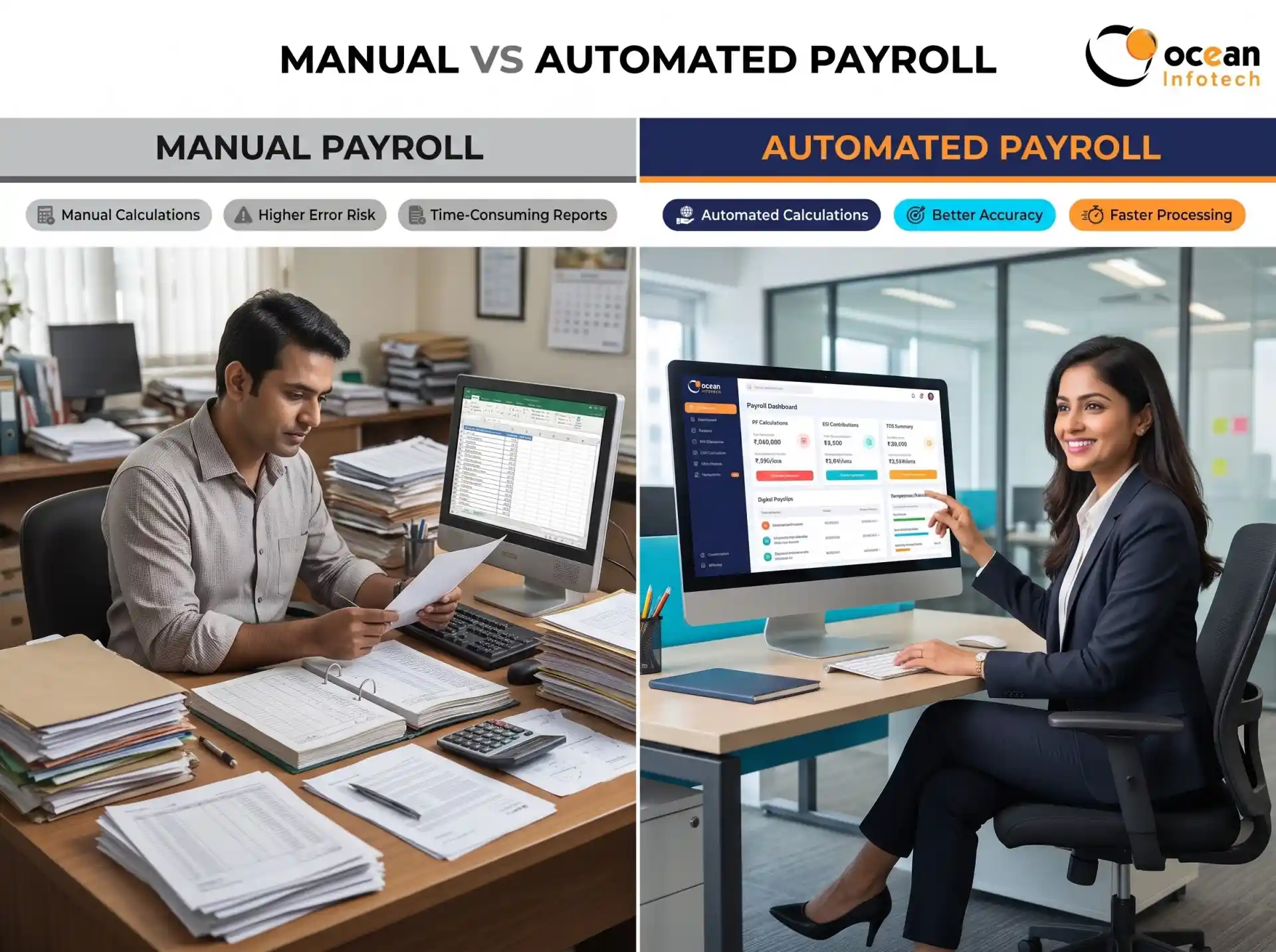
Indian payroll compliance software is a payroll system built around local statutory requirements. It stores salary structures, applies current rates and slabs, calculates deductions automatically and generates the reports needed for filing. It also maintains records for audits and provides employees with payslips and tax documents.
Benefits of Automating Payroll Compliance
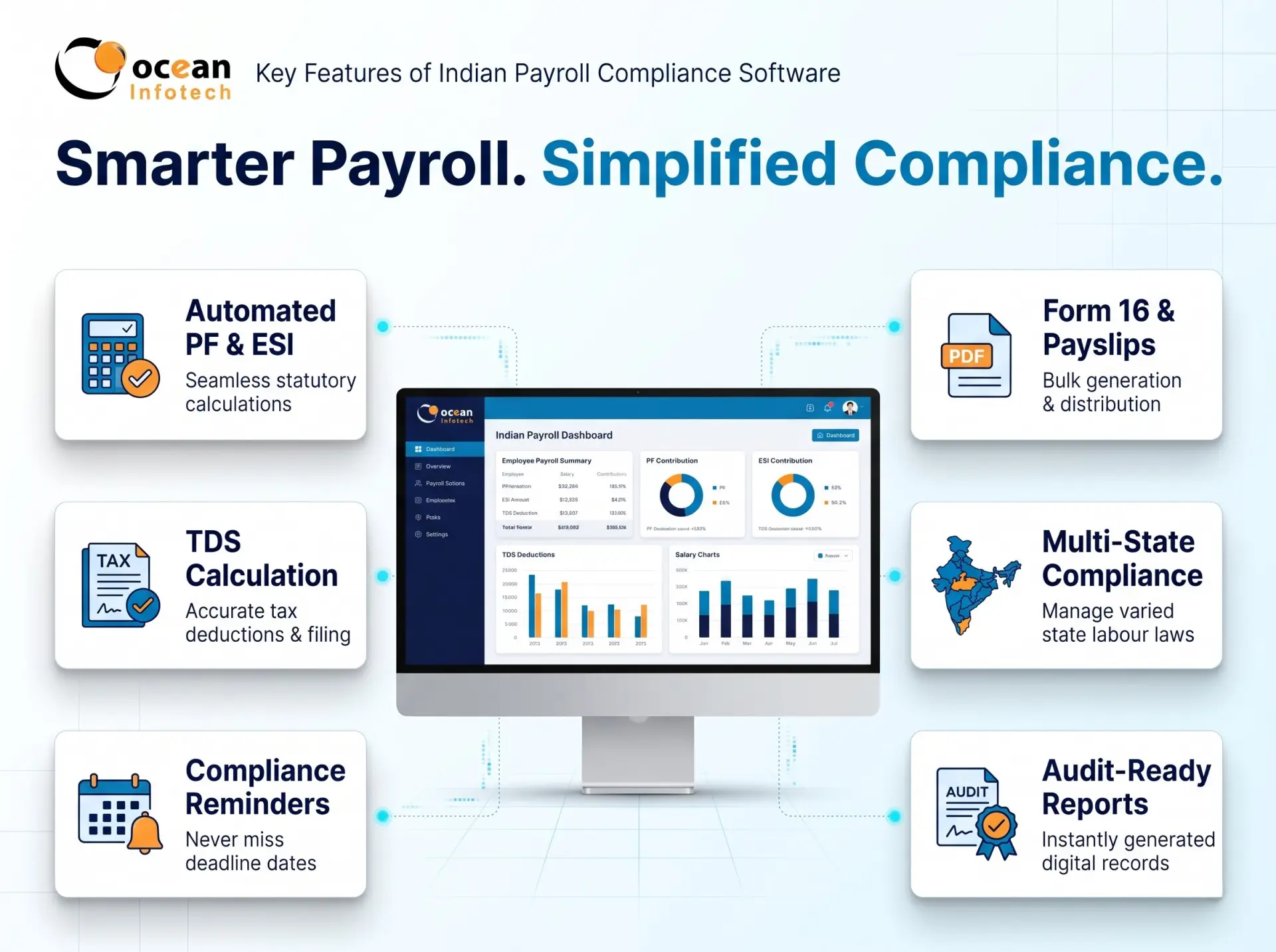
Automated statutory calculations
The software should compute PF, ESI, Professional Tax and TDS from the salary structure with no manual formulas.
Configurable salary structures
Every company defines basic, HRA, allowances and bonuses differently. The system must let you configure components and mark which ones are included in each statutory calculation.
Compliance calendar and reminders
Automatic alerts for due dates help prevent late fees. Dashboards should show pending filings at a glance.
Challan and return-ready reports
Exportable files and registers reduce the time spent preparing submissions.
Tax declarations and Form 16
Employees should be able to submit investment declarations online, choose their tax regime and download Form 16 and payslips themselves.
Multi-state support
If you have branches in different states, state-wise Professional Tax and Labour Welfare rules should be supported.
Audit trail and role-based access
Every change should be logged, and only authorised users should access salary data.
Attendance and leave integration
Correct compliance starts with correct attendance. Integration prevents mismatched data. If your needs go beyond standard features, you can extend the platform through custom software development services.
Common Compliance Mistakes and How Software Prevents Them
1. Lower risk of penalties. Correct calculations and timely reminders reduce late fees and notices.
2. Time savings. Monthly compliance work is reduced from days to hours.
3. Consistency. Rules are applied uniformly to every employee.
4. Better employee trust. Accurate deductions and downloadable documents reduce queries.
5. Easy audits. Records are stored in one place with complete history.
6. Less dependency on individuals. Processes are documented inside the system rather than in one employee’s memory.
Step-by-Step Monthly Compliance Workflow
1. Finalise attendance and leave for the month.
2. Add variable inputs such as overtime, incentives and deductions.
3. Run payroll and review the exceptions report.
4. Verify PF, ESI, Professional Tax and TDS summaries.
5. Generate salary slips and bank transfer files.
6. Deposit statutory dues before due dates.
7. File returns and archive acknowledgements.
8. Review compliance reports for the next month’s corrections.
Pro tip for HR teams
Create a monthly checklist with owners and dates. Even with automation, human review of exceptions prevents costly errors.
Keep proofs organised
Store challans, acknowledgements and returns digitally by financial year. This helps greatly during audits.
Frequently Asked Questions (FAQs)
✔ Misclassifying wages: The system uses predefined component rules.
✔ Missing joiners and leavers: Employee lifecycle updates trigger compliance changes.
✔ Late deposits: Reminders and dashboards keep deadlines visible.
✔ Wrong TDS projection: The software recalculates monthly based on declarations.
✔ Manual copy-paste errors: Direct data flow removes duplicate entry.
How to Choose the Right Solution
1. Check Indian rule coverage. Ask for a demo of PF, ESI, TDS and state-wise taxes.
2. Confirm update practices. The vendor should update rates and rules when regulations change.
3. Review data security. Salary data is sensitive and must be protected.
4. Test reports. Make sure outputs match what you need for filings.
5. Check support. Choose a team that responds quickly during filing periods.
6. Plan for after-sales care. A maintenance contract such as an annual maintenance service (AMC) keeps your system updated and reliable.
Conclusion
1. Does payroll compliance software file returns automatically?
Many tools generate return-ready files and reports. Whether direct filing is supported depends on the product, so confirm this with your vendor.
2. Can it handle different Professional Tax slabs by state?
Good software supports multi-state setups and applies the relevant slab based on the employee’s work location.
3. How does the software calculate TDS on salary?
It projects annual income from the salary structure, applies the selected tax regime and declared investments, and spreads deduction across the months.
4. What if government rules change mid-year?
Choose a vendor that regularly updates rates and logic. Ask how quickly updates are released after notifications.
5. Can employees download Form 16 and payslips?
Yes, through the self-service portal, which reduces requests to HR and accounts.
6. Is it suitable for a small company?
Yes. Even small teams face PF, ESI and TDS obligations, and automation reduces the risk of mistakes.
7. What happens during a labour or tax audit?
Digital records, challans and reports can be retrieved quickly, making audit responses easier.
8. Can I switch from my current payroll tool?
Yes. Vendors usually help migrate employee data and previous payroll details. Run a parallel payroll first to compare results.
Indian payroll compliance software removes guesswork from PF, ESI, TDS and state-level obligations by automating calculations, tracking deadlines and keeping records organised. The result is fewer penalties, faster payroll closing and more confident audits. Choose a platform that fits your salary structure and supports local rules, and always keep a human review step for exceptions. If you want a payroll system that handles compliance without stress, speak with Ocean Infotech and book a live demo.
Fillter
Latest News




Comments