

30 Oct, 2026
Mobile App Development Agency: How to Choose the Right Partner
HRMS Software
Payroll Automation
Attendance Tracking
Leave Management
Post By : Ocean Infotech
Published : 29-10-2026
HRMS Software for Small Businesses: Benefits and Features
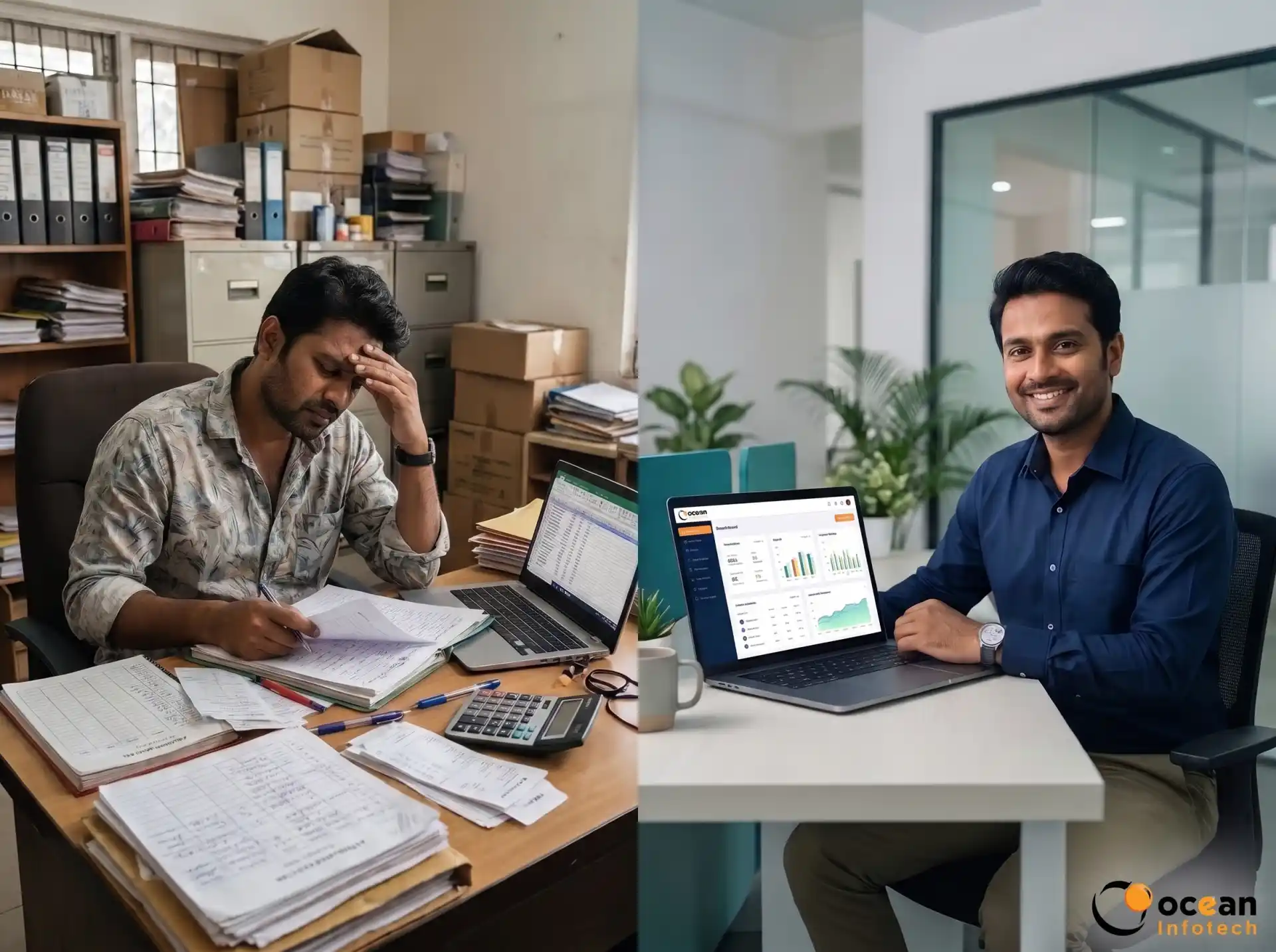
In a small company, the owner or one office manager often handles attendance, leave, salary, hiring and compliance together. It feels manageable at ten employees, but by thirty it becomes stressful and error-prone. This is where HRMS software for small businesses becomes a practical investment rather than a luxury. A good system automates routine HR tasks, saves hours every week and keeps your records organised. To see what a ready platform offers, take a look at our affordable HRMS for growing teams and then continue with this guide.
Why Small Businesses Struggle With Manual HR
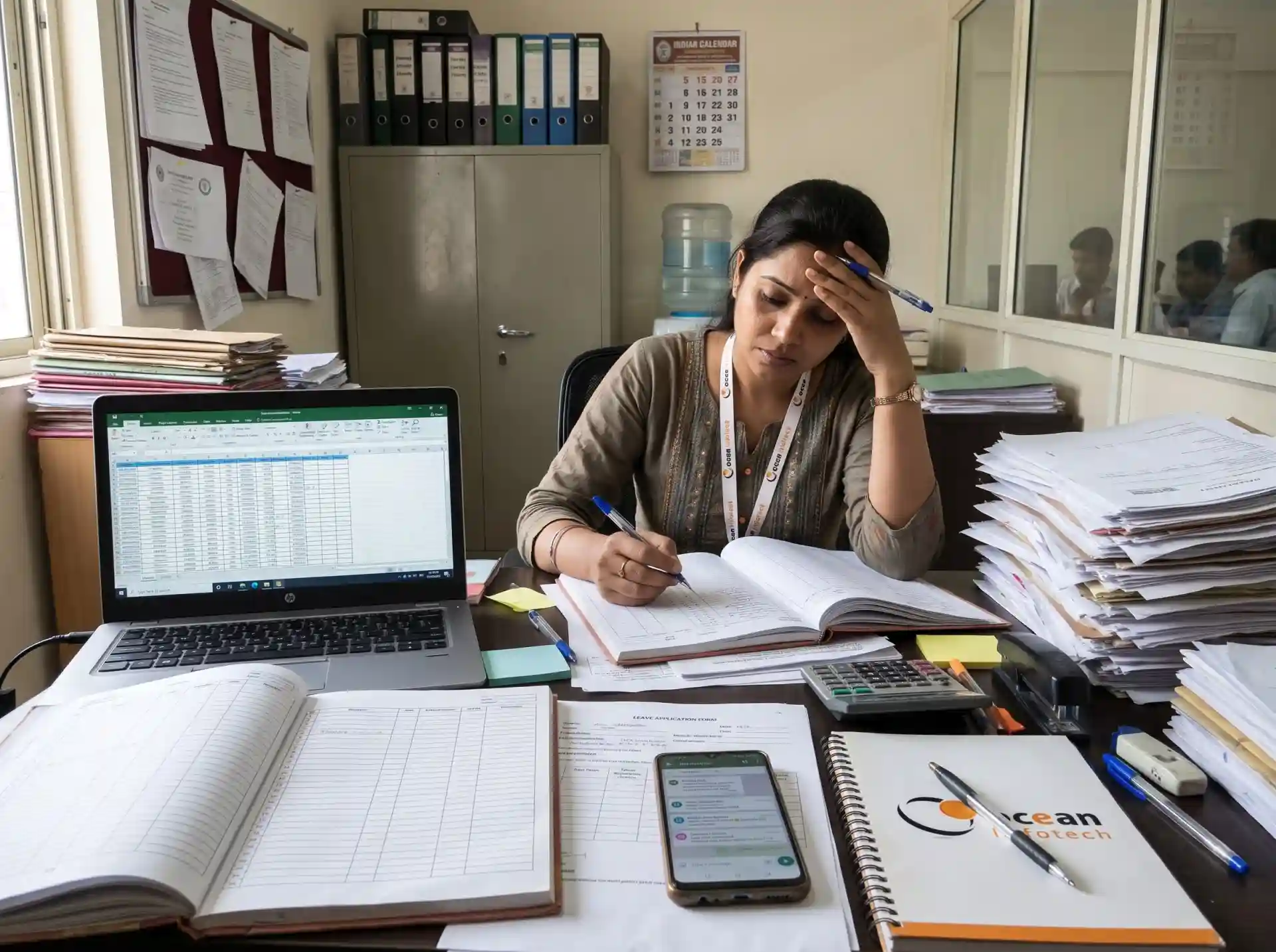
Small teams rarely have a dedicated HR department. The same person is responsible for many tasks, so processes depend on memory and spreadsheets.
Common daily problems
- Attendance recorded in registers and later typed into Excel
- Leave requests approved verbally and forgotten at month-end
- Salary disputes caused by wrong working-day counts
- Employee documents scattered across email, phones and folders
- Last-minute panic before PF, ESI and TDS due dates
- No clear record of who joined, who left and why
- The hidden cost of manual HR
Every hour spent correcting a salary sheet is an hour not spent on sales, service or growth. Errors also damage trust. When an employee finds a mistake in the payslip twice, motivation drops and attrition risk rises. Small firms cannot afford that loss because each person carries a large share of the work.
What Is HRMS Software for Small Businesses?
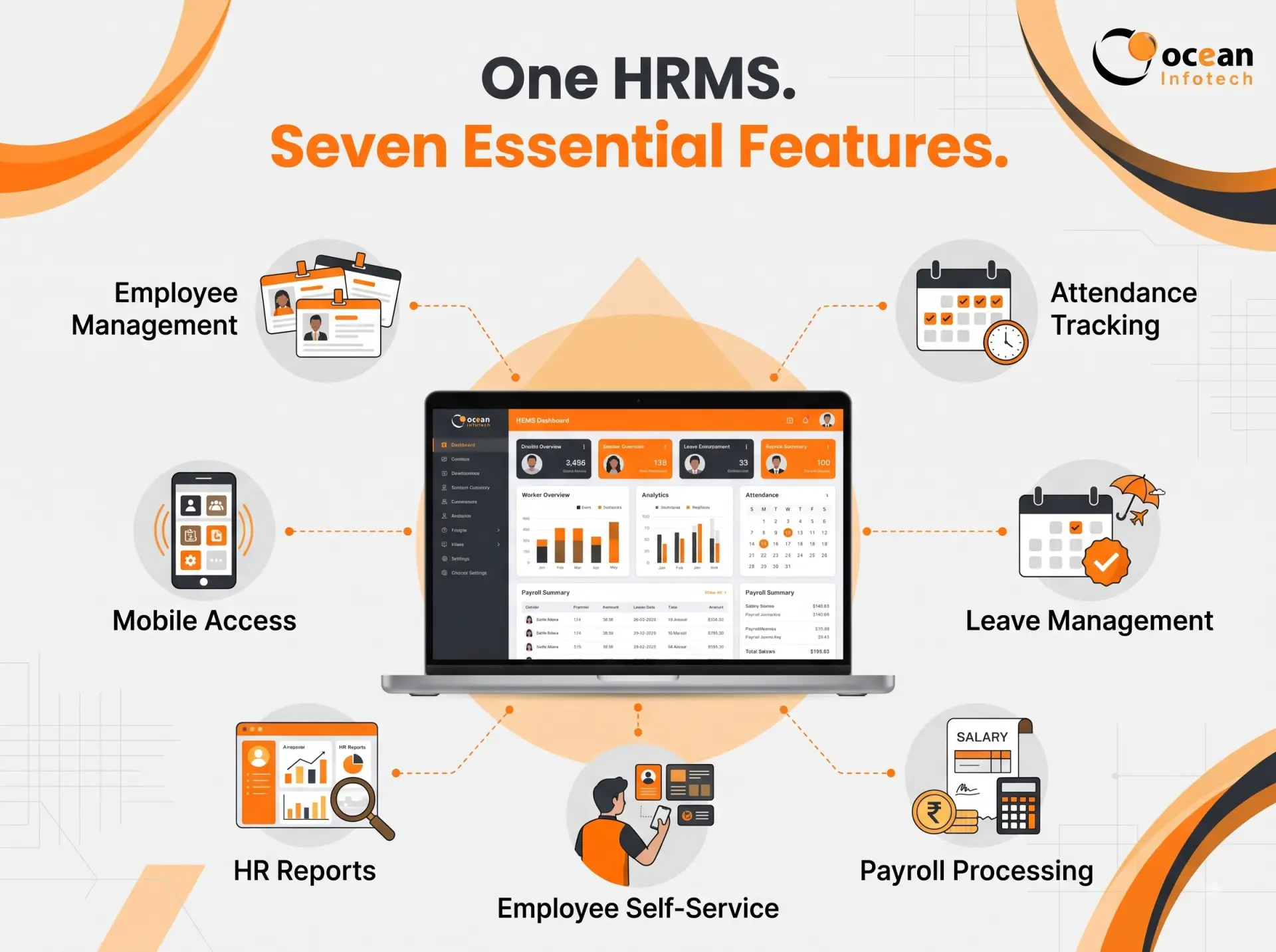
HRMS software for small businesses is a simplified, cost-effective version of enterprise HR systems. It focuses on essentials: employee records, attendance, leave, payroll, documents and basic reports. You do not pay for complicated modules you will never use, and setup is quick enough that a non-technical owner can manage it.
Must-Have Features of HRMS Software for Small Businesses
- . Employee database
Store personal details, bank accounts, documents, emergency contacts and job history in one secure place. Searching for a record takes seconds instead of minutes.
- . Attendance tracking
Choose from biometric devices, web check-in or mobile attendance with location tagging. Shift timings, late marks, half-days and overtime rules should be configurable.
- . Leave management
Employees apply online, managers approve with one tap, and balances update automatically. Holiday calendars can be set for your city or state.
- . Payroll processing
Salary slips, deductions, reimbursements and statutory calculations are generated from attendance data. This removes duplication and reduces mistakes.
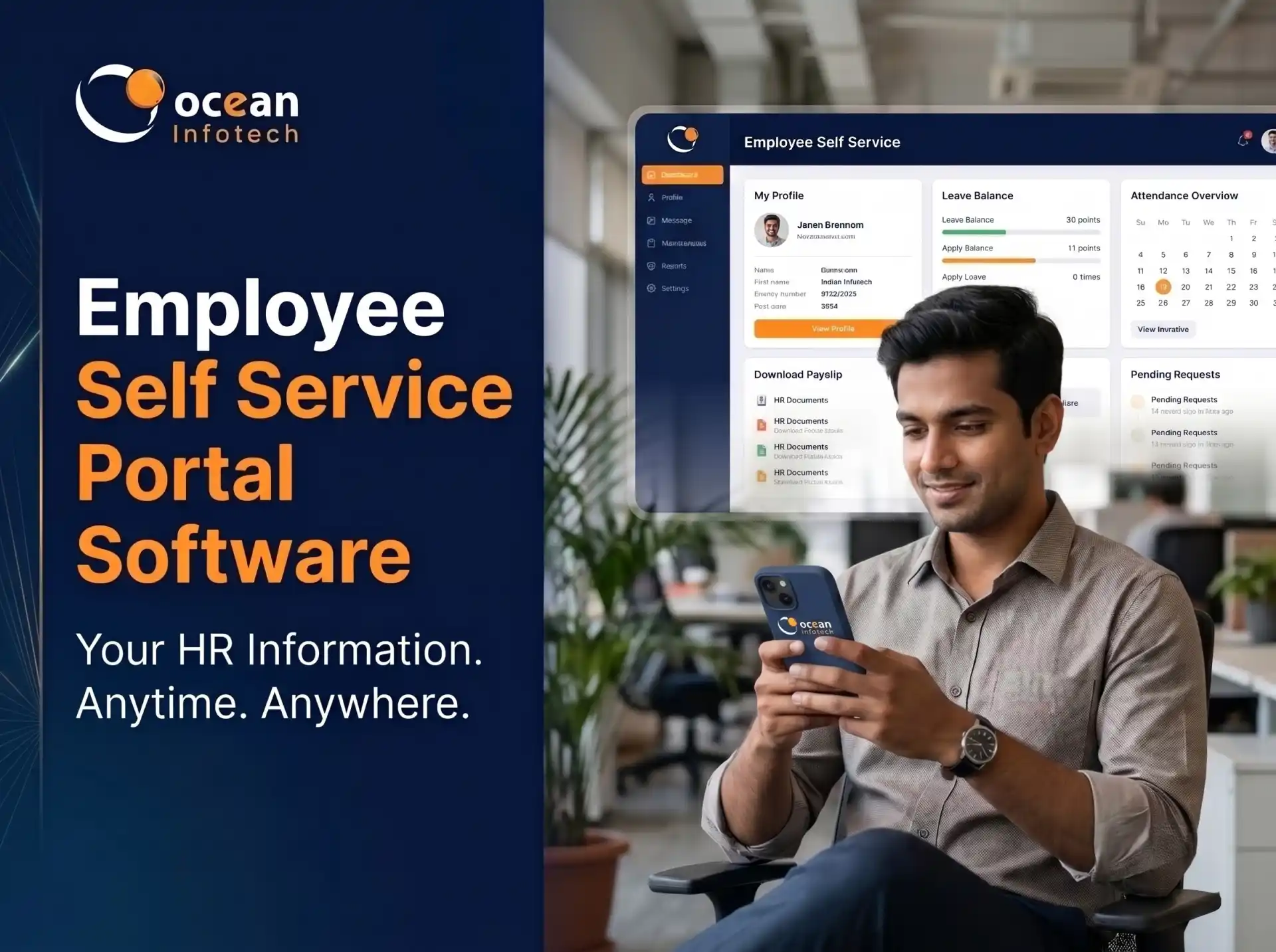
- . Employee self-service
Staff can view payslips, leave balance, attendance and company policies without asking HR. This alone saves many repetitive calls and messages.
- . Reports
Monthly attendance, salary register, leave summary and headcount reports are available instantly for owners and accountants.
- . Mobile access
Owners often travel or work from the shop floor. A mobile-friendly system lets them approve leave and check reports from anywhere. If you want a branded employee app, our team also provides mobile app development services tailored to your workflow.
Benefits of HRMS Software for Small Businesses
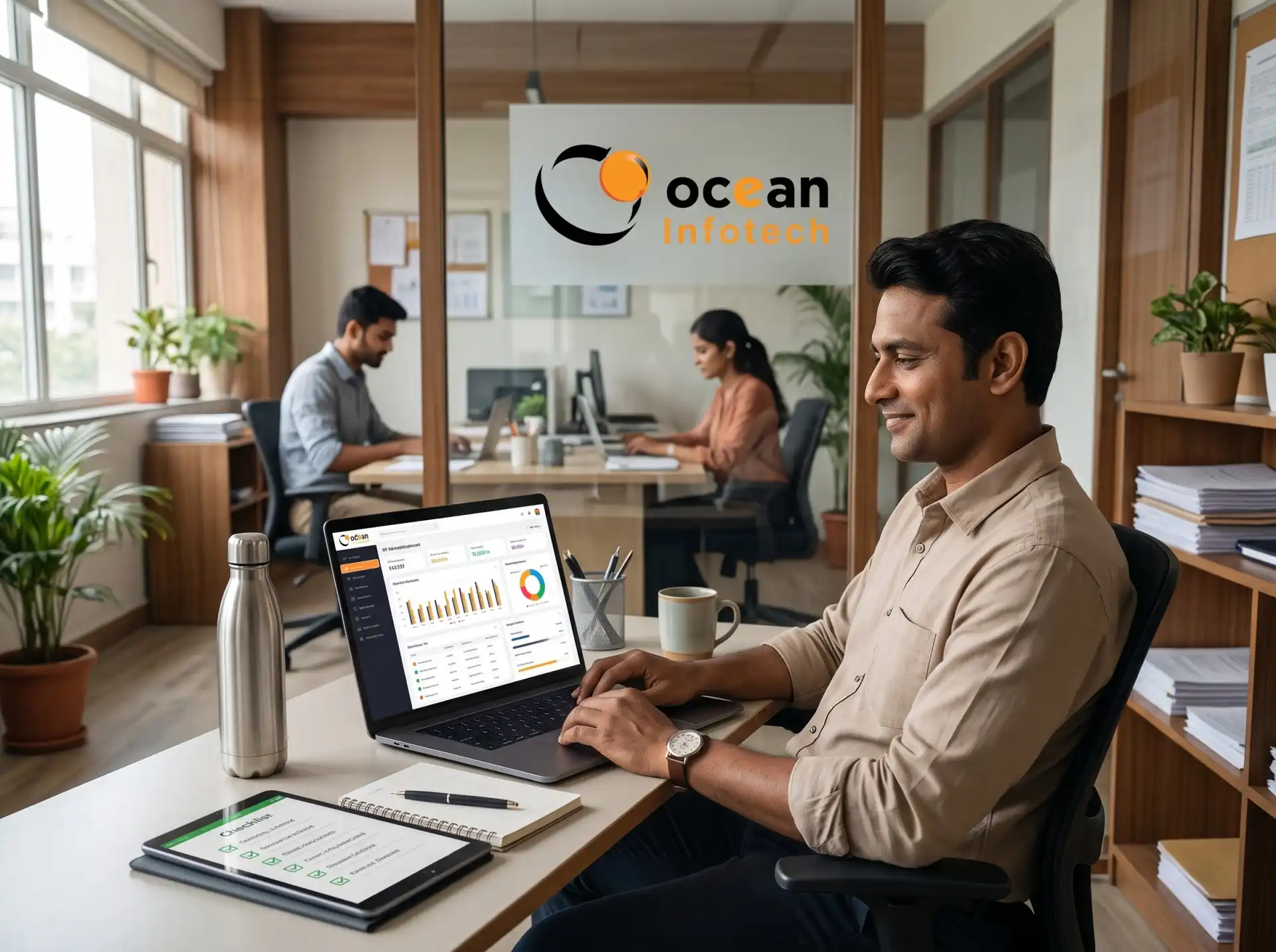
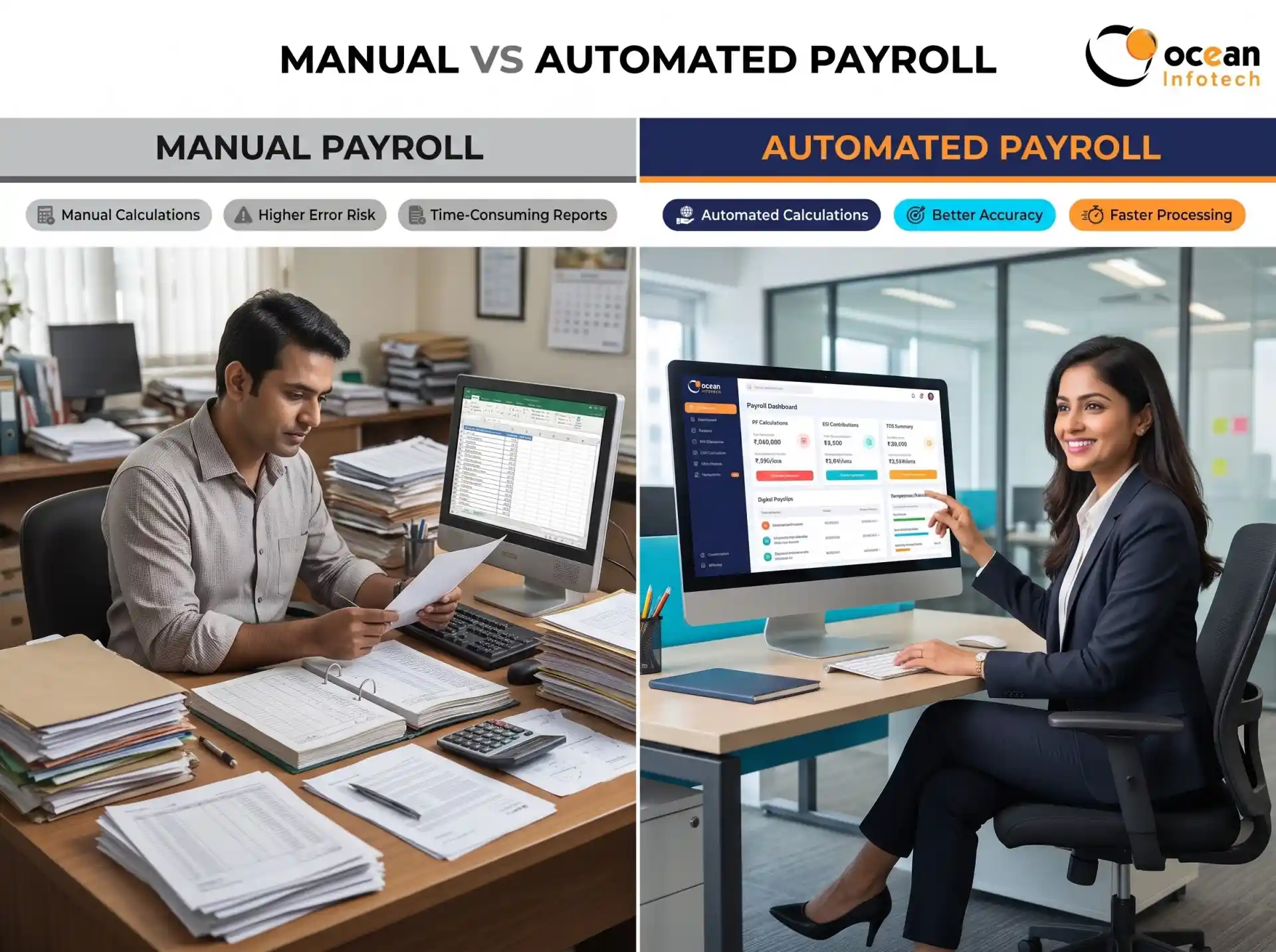
Saves time every month. Payroll that once took three days can be completed in a few hours because attendance flows directly into salary.
Improves accuracy. Formulas do not forget a holiday or miscalculate overtime.
Reduces cost. Instead of hiring an extra clerk, you automate the work. Most small businesses recover the investment within months through saved labour and fewer errors.
Builds a professional image. Digital offer letters, structured onboarding and timely payslips make a good impression on employees and candidates.
Supports compliance. Records are stored properly, making audits and statutory filings easier.
Helps you scale. When your team doubles, the same system continues to work without additional effort.
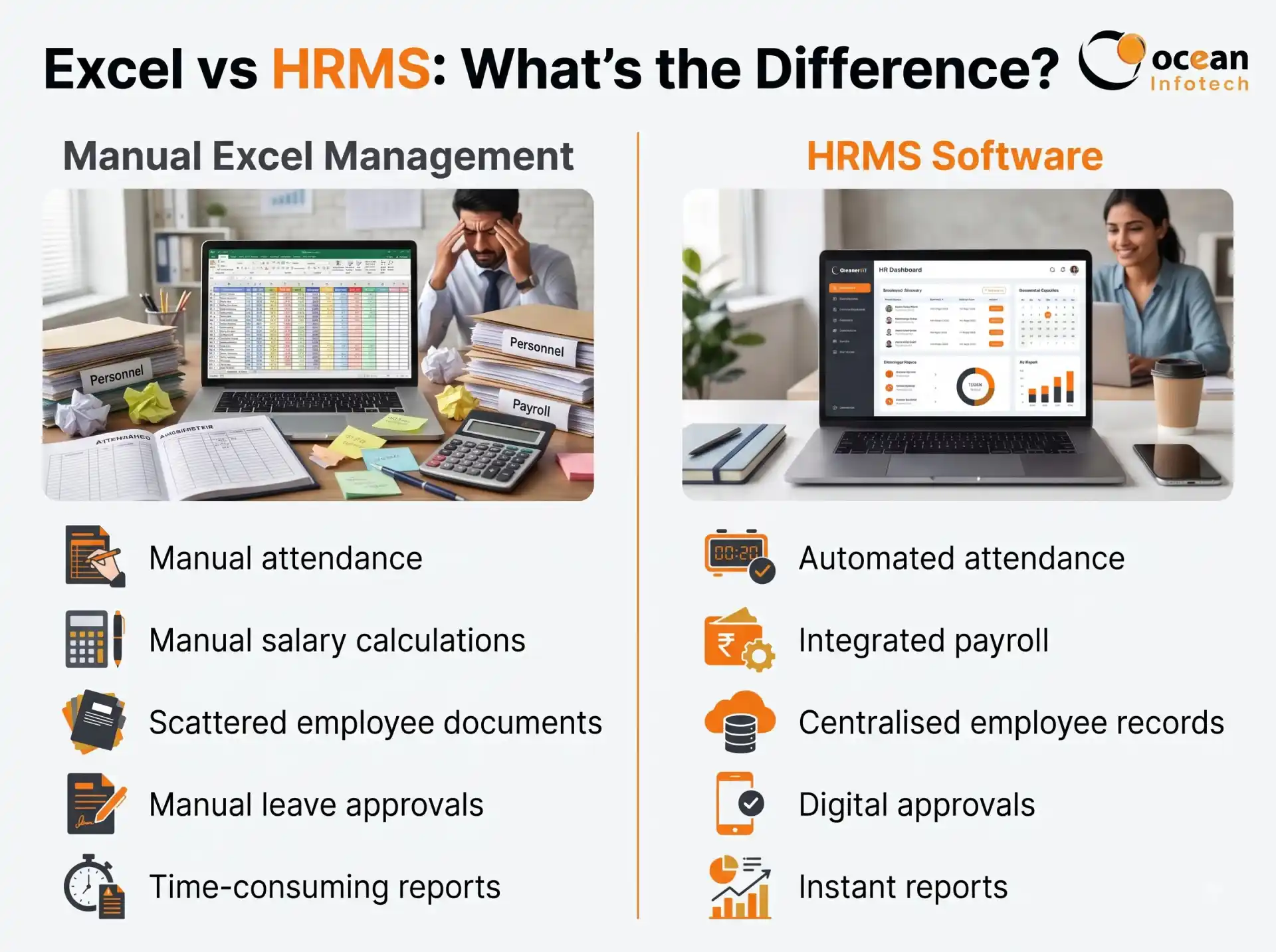
| Factor | Excel and Registers | HRMS Software for Small Businesses |
|---|---|---|
| Setup Effort | None, but grows messy | Short one-time setup |
| Monthly Payroll Time | 2 to 3 days | A few hours |
| Error Chances | High | Low |
| Employee Access | Only through HR | Self-service 24x7 |
| Document Storage | Scattered | Centralised and searchable |
| Growth Readiness | Becomes unmanageable | Scales smoothly |
Real-Life Example: A 35-Employee Manufacturing Unit
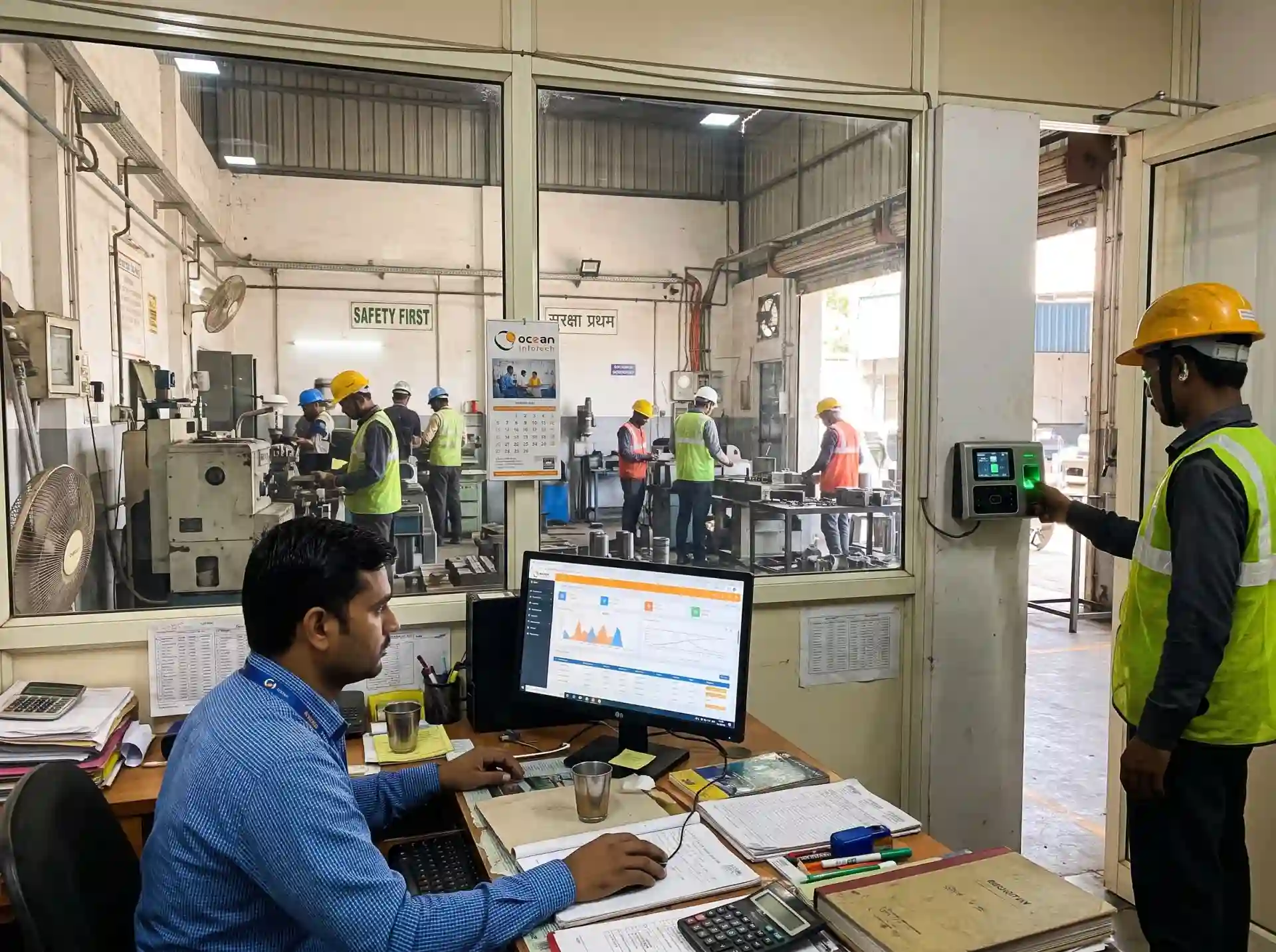
Consider a small engineering unit with 35 workers and two shifts. The accountant used to collect attendance sheets from supervisors, enter them in Excel and calculate overtime by hand. Every month, three to four employees raised salary queries. After moving to an HRMS, attendance syncs from the biometric machine, overtime is computed automatically and payslips are shared digitally. Queries dropped sharply and the accountant now closes payroll in one day. Examples like this are common across industries, and you can review similar HRMS implementation work in our portfolio.
How to Choose the Right HRMS for Your Small Business
Define your budget. Decide a monthly range per employee and ask for transparent pricing.
Start with must-haves. Prioritise attendance, leave and payroll before advanced modules.
Check ease of use. If your team needs long training, the tool is too complex.
Confirm Indian compliance. PF, ESI, Professional Tax and TDS should be supported.
Look for flexible plans. You should be able to add modules or employees later.
Evaluate support. Quick response during salary week is critical.
Take a demo or trial. Test with your own employee data and policies.
Red flags to avoid
Hidden charges, no data export option, poor support response and outdated compliance rules.
Tip for first-time buyers
Involve one trusted manager in the evaluation. Their feedback will help you avoid adoption problems later.
Simple Implementation Plan for Small Teams
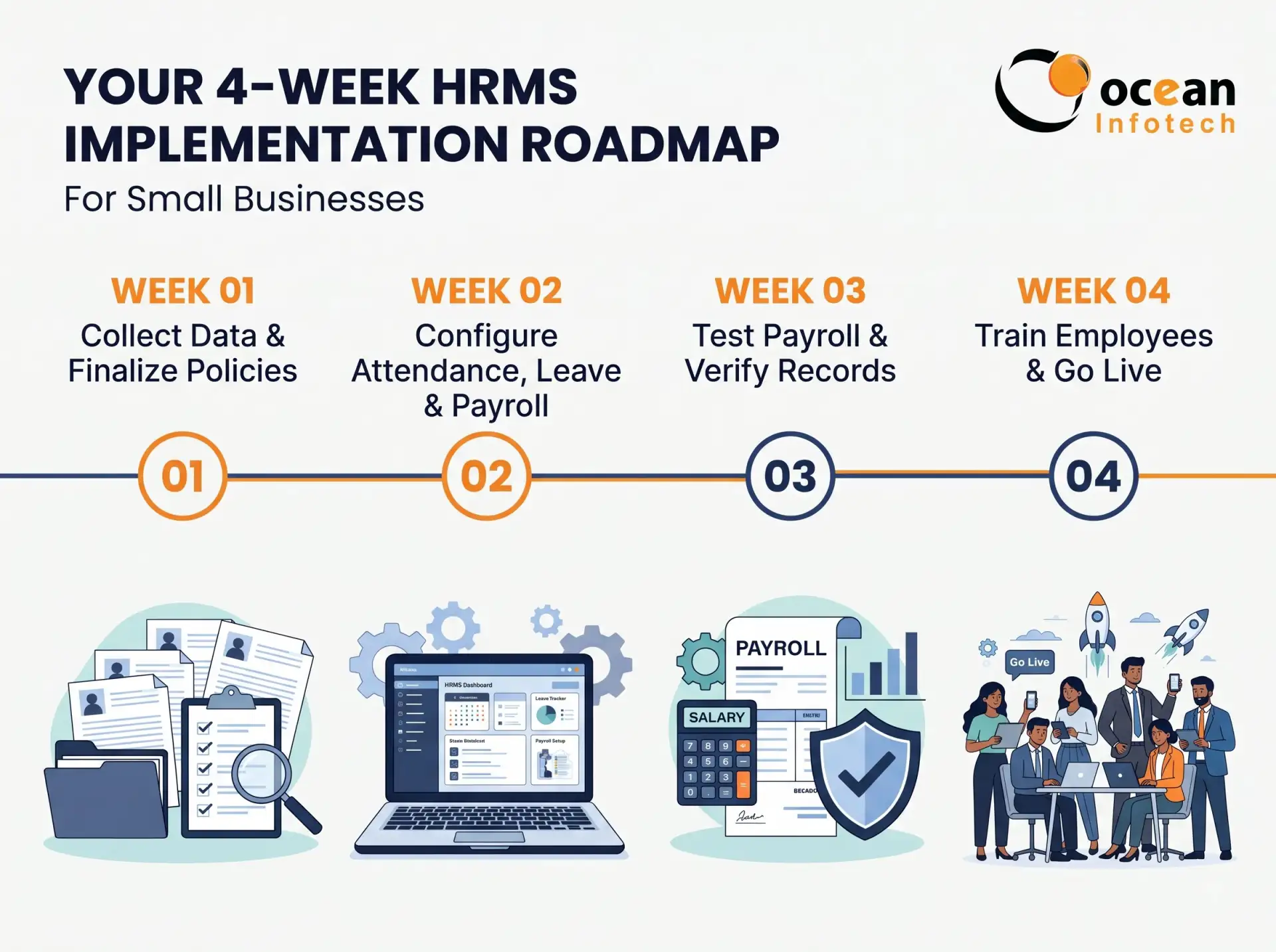
Week one: collect employee data and finalise policies. Week two: configure shifts, leave types and salary components. Week three: run a test payroll alongside your existing method. Week four: train staff and go live. If you want expert help selecting the right tools, our IT consultation team can guide you through requirements and rollout.
Frequently Asked Questions (FAQs)
- . Is HRMS software affordable for a business with 10 to 15 employees?
Yes. Many vendors offer per-employee pricing, so cost grows only as your team grows. The time you save usually outweighs the subscription.
- . Do I need technical knowledge to use an HRMS?
No. Modern systems are designed for non-technical users with simple dashboards and guided setup.
- . Can I process salary with PF and ESI deductions?
Yes, if the software supports Indian statutory rules. Confirm this during the demo with your actual salary structure.
- . Can my employees mark attendance from their phones?
Most platforms allow mobile check-in with location or selfie verification, which is useful for field staff.
- . What happens to my data if I stop using the software?
Ask for a clear data export policy before purchase. Reliable vendors let you download your records in standard formats.
- . How is HRMS different from just using Excel?
Excel stores data, but it does not automate approvals, calculations, reminders or employee access. An HRMS does all of this with fewer errors.
- . How quickly can we go live?
Small businesses can often start within one to two weeks, depending on data readiness.
- . Will HRMS help reduce employee disputes?
Yes. Transparent attendance, leave and salary records reduce misunderstandings because everyone sees the same information.
Conclusion
Adopting HRMS software for small businesses is one of the smartest steps toward organised, scalable growth. It saves time, reduces errors, supports compliance and gives your employees a better experience from the first day. Begin with the essentials, choose a vendor that understands Indian rules and expand as you grow. When you are ready to see it in action, talk to our HRMS experts at Ocean Infotech and request a personalised demo.
Small Businesses Deserve Smart HR Systems Too
Fillter
Latest News


Comments