

30 Oct, 2026
Mobile App Development Agency: How to Choose the Right Partner
#PerformanceManagement
#HRMS
#OKRManagement
#EmployeePerformance
Post By : Ocean Infotech
Published : 30-10-2026
What Is HR Performance Management Software?
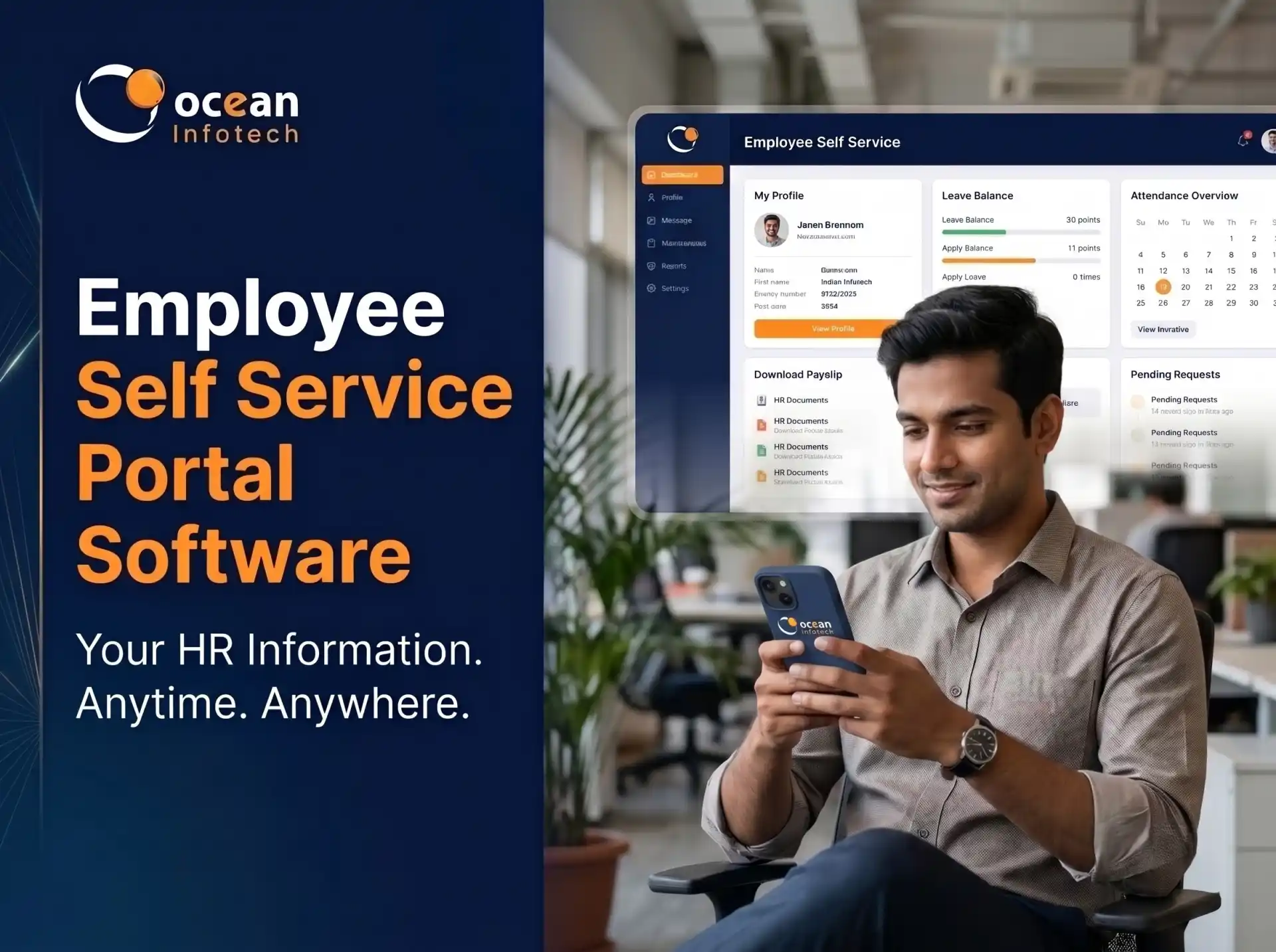
Annual appraisals filled in at the last minute, vague feedback and arguments about ratings: this is what happens when performance management relies on spreadsheets and memory. Modern HR performance management software replaces this with clear goals, continuous feedback and fair, data-backed reviews. In this guide, you will learn how goals, reviews and OKRs work together, which features to look for and how to implement a system your team will trust. If you want performance tools connected with attendance and payroll, explore our HRMS platform for performance and people management.
Key Features of HR Performance Management Software
HR performance management software is a digital system that helps organisations set expectations, track progress, collect feedback and evaluate employees over a defined cycle. It brings goals, reviews, ratings, feedback and development plans into one place, so managers and employees share the same view of performance.
Why spreadsheets fail
✔ Goals are not linked to company priorities
✔ Feedback is collected only once a year
✔ Ratings depend on recent events, not full-year performance
✔ Managers use different templates, so scoring is inconsistent
✔ Historical records are hard to find
✔ Employees feel the process is unfair or unclear
Goals, KPIs and OKRs Explained
Goals
Goals describe what an employee should achieve in a period, such as completing a project or improving a customer metric.
KPIs
Key Performance Indicators are measurable indicators of regular work, such as sales conversion, support resolution time or production quality.
OKRs
Objectives and Key Results define an inspiring objective and measurable results that show progress. For example, the objective “Improve customer onboarding” may have key results like reducing onboarding time to five days and reaching 90 percent satisfaction. OKRs link individual work to company strategy, which improves focus and alignment.
Choosing between KPIs and OKRs
KPIs suit stable, process-based roles, while OKRs suit teams that need to drive change or growth. Many companies use both.
Benefits of HR Performance Management Software
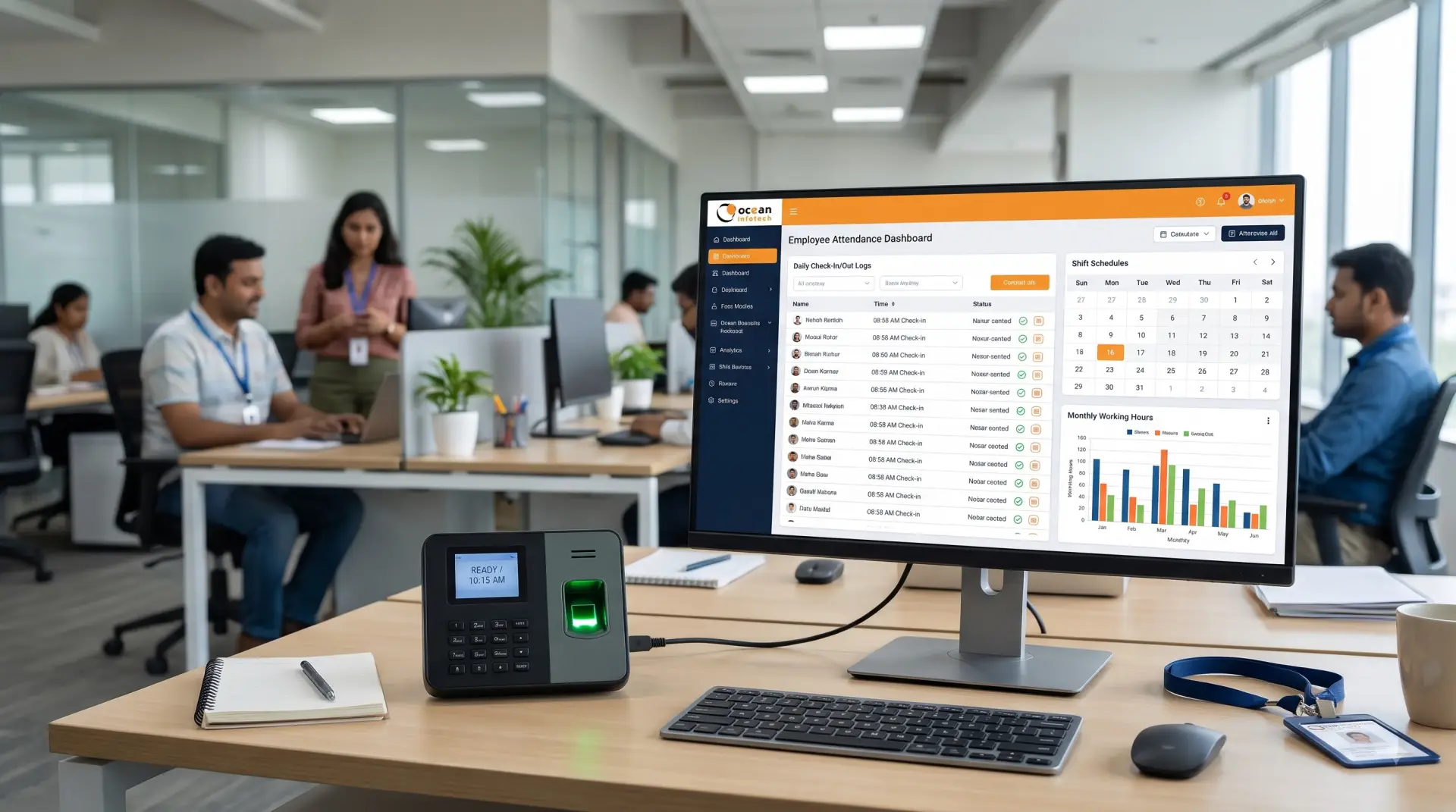
Goal and OKR tracking
Employees and managers set goals, align them to team and company objectives and update progress regularly. Visual dashboards show completion status.
Customisable review cycles
Support for annual, half-yearly, quarterly or monthly reviews, with templates for different roles and departments.
Self-assessment and manager review
Employees rate their own performance first, followed by manager evaluation. Comparing both leads to better conversations.
360-degree feedback
Peers, subordinates and cross-functional colleagues give structured feedback, which reduces bias.
Continuous feedback and one-on-ones
Notes, recognition and regular check-ins keep feedback timely rather than saved for year-end.
Competency and skill mapping
Define required skills for each role and identify gaps to plan training.
Rating calibration
Leaders compare ratings across teams to ensure fairness and consistency.
Appraisal and increment workflow
Approved ratings can be linked to increment and promotion decisions, with proper approvals.
Analytics and reports
Reports show performance distribution, top performers, improvement areas and goal progress by department.
Integration with HRMS
When connected with attendance, leave and payroll, performance data can be viewed in context. If your company needs unique appraisal formulas or approval flows, our custom software development services can tailor the system.
Step-by-Step Guide to Implementing Performance Management
1. Clarity of expectations. Employees know exactly what is expected and how success is measured.
2. Fairer evaluation. Ratings rely on documented goals and feedback instead of impressions.
3. Higher engagement. Regular recognition and conversations make people feel valued.
4. Better alignment. Individual goals connect to department and company objectives.
5. Faster review cycles. Automated reminders and workflows reduce delays.
6. Data for decisions. Promotions, rewards and training plans are based on evidence.
7. Lower attrition. Employees who see growth paths and fair treatment tend to stay longer.
Annual review vs continuous performance management
| Factor | Annual review with spreadsheets | HR performance management software |
|---|---|---|
| Goal visibility | Low, set once a year | High, tracked continuously |
| Feedback timing | Once a year | Ongoing |
| Bias risk | High, recency effect | Reduced through data and 360 input |
| Manager effort | Heavy at year-end | Spread across the year |
| Employee engagement | Often low | Higher through regular conversation |
| Reporting | Manual consolidation | Real-time dashboards |
Real-Life Example: Service Company With 80 Employees

1. Define your purpose. Decide whether the system is for development, rewards or both.
2. Create simple goals. Limit each employee to three to five meaningful goals.
3. Choose the review frequency. Quarterly check-ins with an annual summary work well for many companies.
4. Design fair rating scales. Use clear descriptions for each rating level.
5. Train managers. Teach them how to give specific, balanced feedback.
6. Launch with a pilot team. Learn from real usage before rolling out company-wide.
7. Review and improve. Collect feedback from employees after each cycle.
Tips for writing good OKRs
Keep objectives short and motivating. Make key results measurable, with numbers and deadlines. Avoid listing daily tasks as key results.
Common mistake to avoid
Do not link every OKR directly to salary. Treat OKRs as stretch goals for improvement, and use KPIs and competencies for compensation decisions.
Frequently Asked Questions (FAQs)
A service business used to run appraisals in a single week every March. Managers rushed, employees felt surprised by ratings and disputes followed. After adopting performance software, each team set quarterly goals, held monthly one-on-ones and collected feedback throughout the year. By the next appraisal cycle, ratings were backed by documented progress, discussions were calmer and the time required to finish reviews dropped significantly. Companies like this often start with a simple setup and expand later with expert support, such as an annual maintenance service (AMC) that keeps workflows and reports updated.
How to Choose the Right Software
✔ Ease of use for employees and managers
✔ Flexibility to support goals, KPIs and OKRs
✔ Configurable review forms and workflows
✔ Integration with HRMS and payroll
✔ Mobile access and notifications
✔ Strong security and role-based permissions
✔ Helpful reports and exportable data
✔ Reliable vendor support
Conclusion
1. What is the difference between performance appraisal and performance management?
Appraisal is the periodic evaluation. Performance management is the continuous process of goal setting, feedback, coaching and evaluation across the year.
2. Can small companies use HR performance management software?
Yes. Even a team of 20 benefits from structured goals and documented feedback, especially when growth is planned.
3. How many goals or OKRs should each employee have?
Three to five is a good range. Too many goals reduce focus and make tracking harder.
4. Is 360-degree feedback necessary?
It is not mandatory, but it is useful for leadership and cross-functional roles because it adds multiple perspectives.
5. Can the software link performance to increments?
Yes, many systems support approval workflows that connect ratings to increment or promotion recommendations. Final decisions remain with management.
6. How often should reviews happen?
Quarterly check-ins with an annual summary suit most businesses. Fast-moving teams may prefer monthly conversations.
7. How do we reduce bias in ratings?
Use documented goals, multiple feedback sources, clear rating definitions and a calibration discussion among leaders.
8. Will employees accept a new performance system?
Acceptance improves when you explain the purpose, keep the process simple, train managers and collect feedback after each cycle.
HR performance management software turns appraisals from a yearly burden into a continuous, fair and motivating process. With clear goals, regular feedback and OKRs aligned to company strategy, you build a culture where people understand their impact and managers make confident decisions. Start simple, train managers well and refine each cycle. To explore a connected HR system that fits your business, get in touch with Ocean Infotech.
Fillter
Latest News




Comments